How do I downgrade a plan?
Plan downgrades are applied at the end of the current billing period. The customer keeps their current plan until the period ends, then moves to the lower plan.
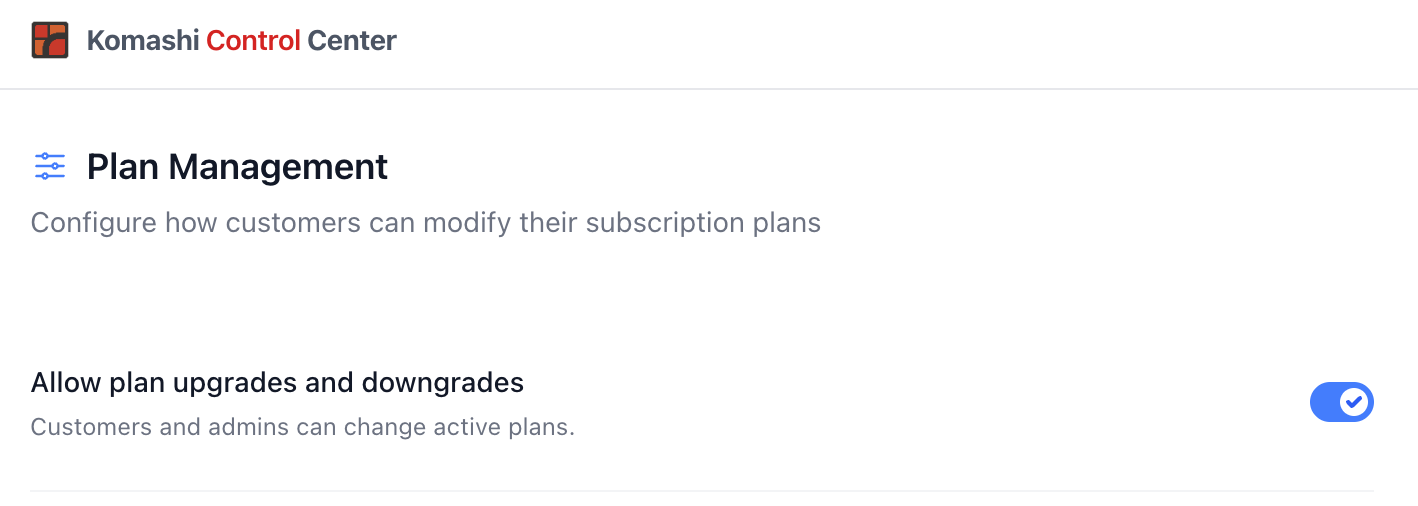
How to downgrade a customer's plan
- Go to Settings in the left sidebar.
- Select Provider Rules.
- Tick the Allow plan upgrades and downgrades checkbox.
Mixing upgrades and downgrades
You can apply different plan changes to different subscriptions independently. For example, one customer can be upgraded while another is downgraded at the same time. Each subscription follows its own billing period.
Enabling or disabling plan changes
Plan upgrades and downgrades are enabled by default. You can turn them off in Provider Rules if you don't want customers or admins to change plans.
→ Provider Rules — Allow Plan Upgrades and Downgrades
note
When disabled, neither customers nor admins can change active plans.