Data export
What can be exported directly
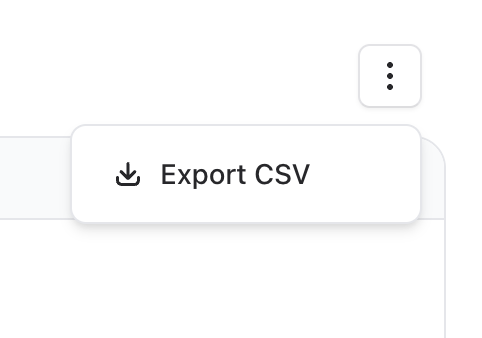
Some sections have a built-in export option. Look for the ... menu in the top right corner of lists — where available, you will find a Download CSV or Export option.
Check the following sections:
- Customers — customer list export
- Subscriptions — subscription list export
- Invoices — invoice list export
- Payouts — payout history export
CSV export not available everywhere
Not all data in the Komashi Control Center can be exported as CSV. If a section does not have an export option in the ... menu, it is not available through the UI.
Use the API for full data access
For complete, programmatic access to your data, use the Komashi API. The API lets you query customers, subscriptions, invoices and more — and export or sync the data to any system you need.