Get started with Komashi
First create your provider (your branded workspace — and where you enter a partner referral code, if you have one). Then complete five required steps to start selling. Track your progress in the Required steps in the left sidebar.
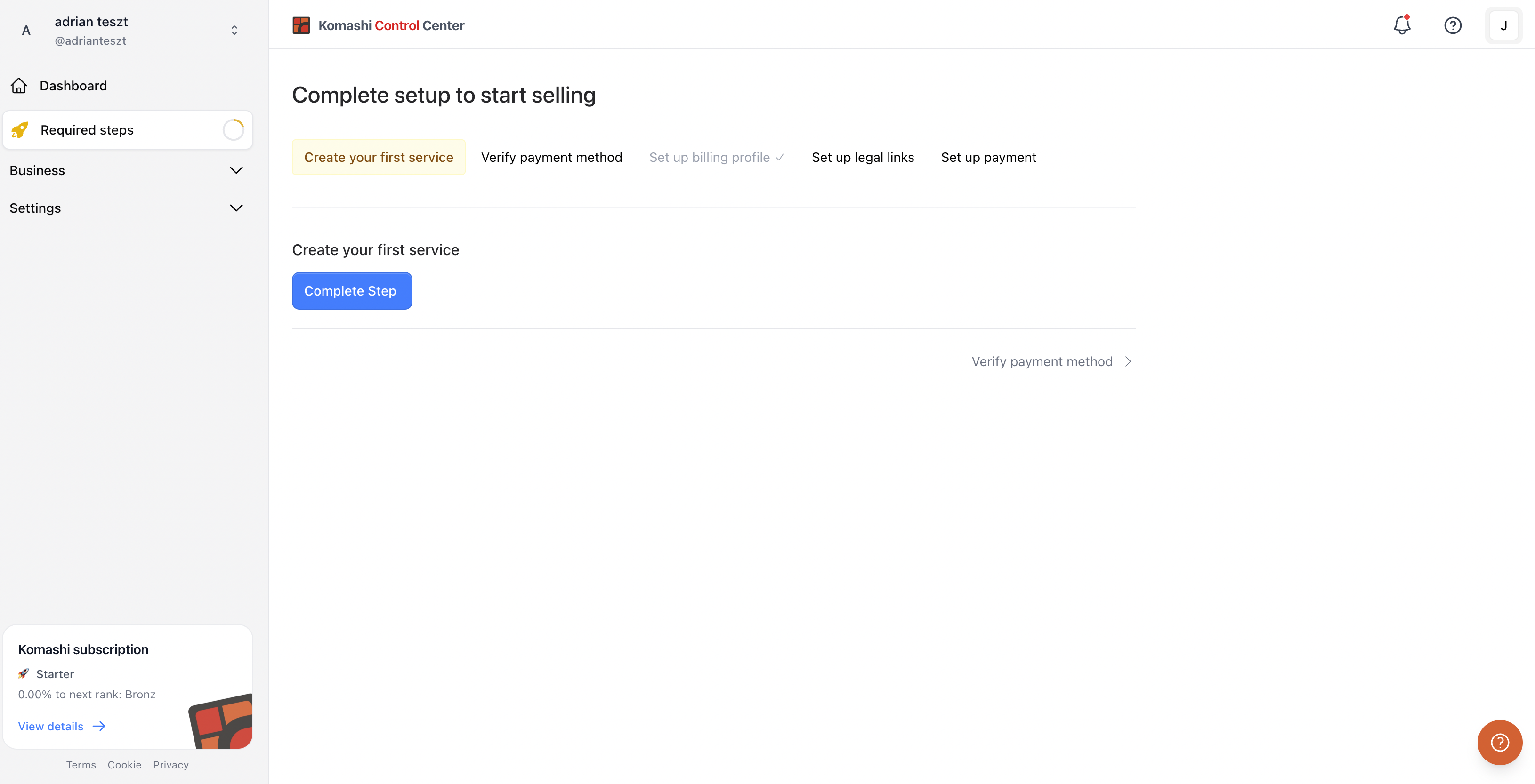
Complete these steps
- Create your first service — Add the service you want to sell. Full guide
- Verify payment method — Confirm your payment details so you can receive payouts. Full guide
- Set up billing profile — Add your legal billing details and catalog currency. Full guide
- Set up legal links — Add your privacy policy and terms links. Full guide
- Set up payment — Enable payment methods so customers can pay for your service. Full guide
The checklist shows a progress bar and marks each step complete automatically as you finish it. A single contextual button points you to the next action to take (for example, Configure Payments).
Complete all five steps to start selling in Komashi.