Set up billing profile
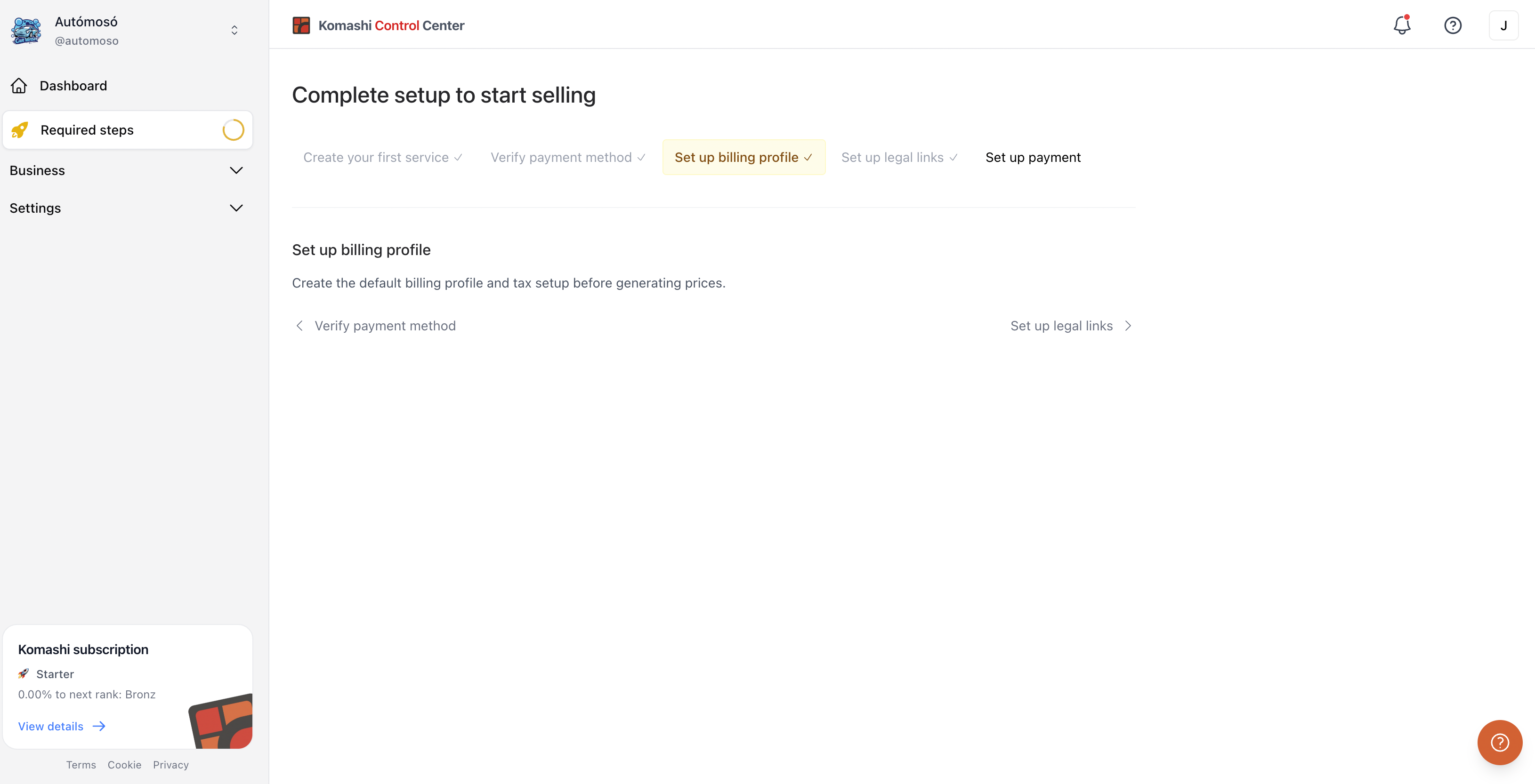
Add your legal billing details and catalog currency before generating prices. This is the third step in the Required steps.
Steps
- Go to the Required steps in the left sidebar, or Settings → Billing details.
- Fill in your Billing Name, Country, ZIP Code, City, Address, and VAT Number (if applicable).
- Set your Catalog currency.
See Billing Details for the full field reference.
Next: Set up legal links